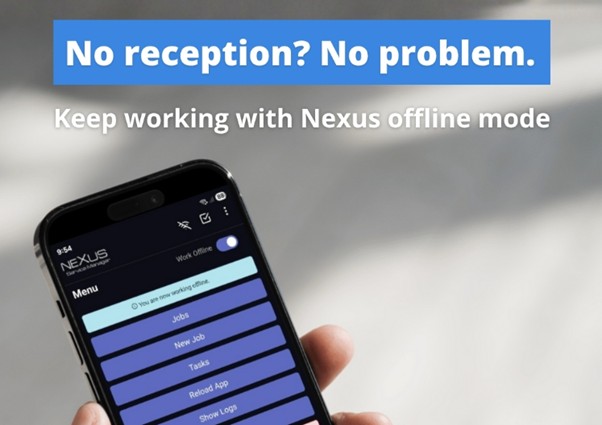
Dear Customers, We are thrilled to announce the release of the new Nexus Service Manager mobile app, now available for download on both the Google Play Store and Apple App Store! This modern, native app builds on the familiar foundation of our trusted mobile web app, focusing on the most essential day-to-day functions your teams rely on. While the previous version evolved over a decade, the first release of our new mobile app (Stage 1) prioritizes speed, reliability, and the core features most companies need to stay productive. In the coming months, we’ll be rolling out regular updates with new features and enhanced functionality. All future development efforts will focus exclusively on the new mobile app, however the legacy web app will continue to be fully supported and accessible for many years. Key Highlights of the New App Offline Support – Work Anywhere, Anytime Technicians can now start jobs, complete service reports, take photos, and add tech notes, all without an internet connection. Whether you’re working in basements, remote sites, or areas with no signal, the app allows you to continue working without interruption. Our offline mode is designed to keep you moving. Once connectivity is restored, all data will sync automatically in the background, so you can focus on what matters most: getting the job done. For areas with inconsistent coverage, users can manually toggle offline mode for a smoother experience, then re-enable sync when back online.
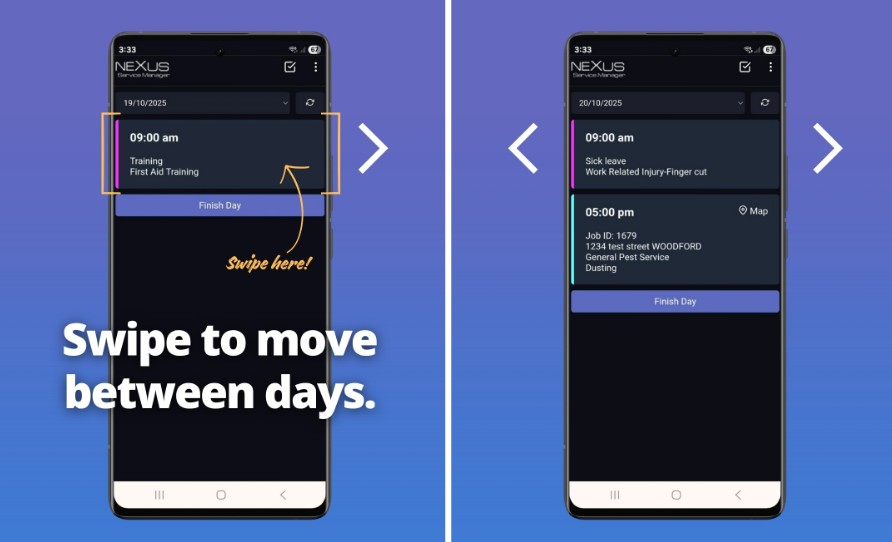
Swipe Days – Navigate Schedules with Ease This new feature allows you to easily swipe left or right on a job to view the previous or next day’s schedule. It’s a quick, intuitive way to stay organized and plan ahead.
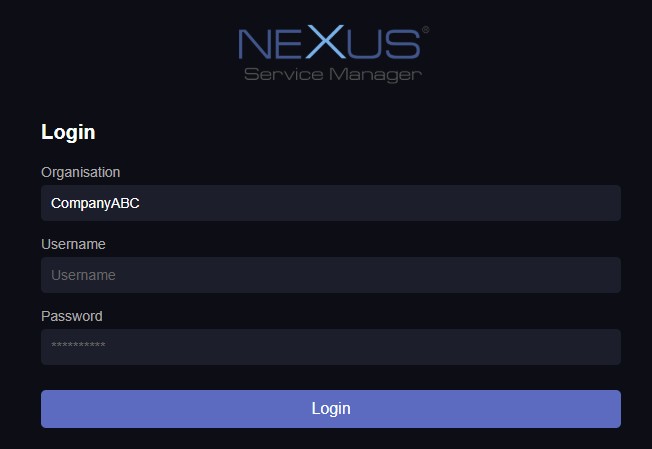
Auto-Download Tomorrow’s Jobs The app automatically downloads the next day’s jobs whenever you’re connected to internet, ensuring technicians always have access, even if internet issues later arise on the job site. This adds an extra layer of reliability and disaster recovery. Recommended Next Steps We encourage office managers to download and test the new app first. Workflows may differ slightly from the legacy version as the new mobile app has been programmed from scratch, so hands-on familiarization will help ensure a smooth transition before rolling it out to field technicians. Logging in is simple and uses your existing username and password. You will also need to enter in your organisation name, which is the first part of your company’s system link.
A Fresh Look for a Modern App To match the app’s clean, powerful design, we’ve refreshed the Nexus Service Manager logo. It’s sharper, simpler, and reflects the reliability and ease you expect from our platform.
Download Now Get the new app today: Android: Google Play Store
iOS: Apple App Store
Thank you for your continued trust in Nexus Service Manager. We’re committed to delivering you a faster, more reliable mobile experience, and there’s more to come. Stay tuned as we continue to innovate. If you have any questions about any of the updates please email us Kind Regards,
Phone 1300 301 302
|